
Subtotal $0.00
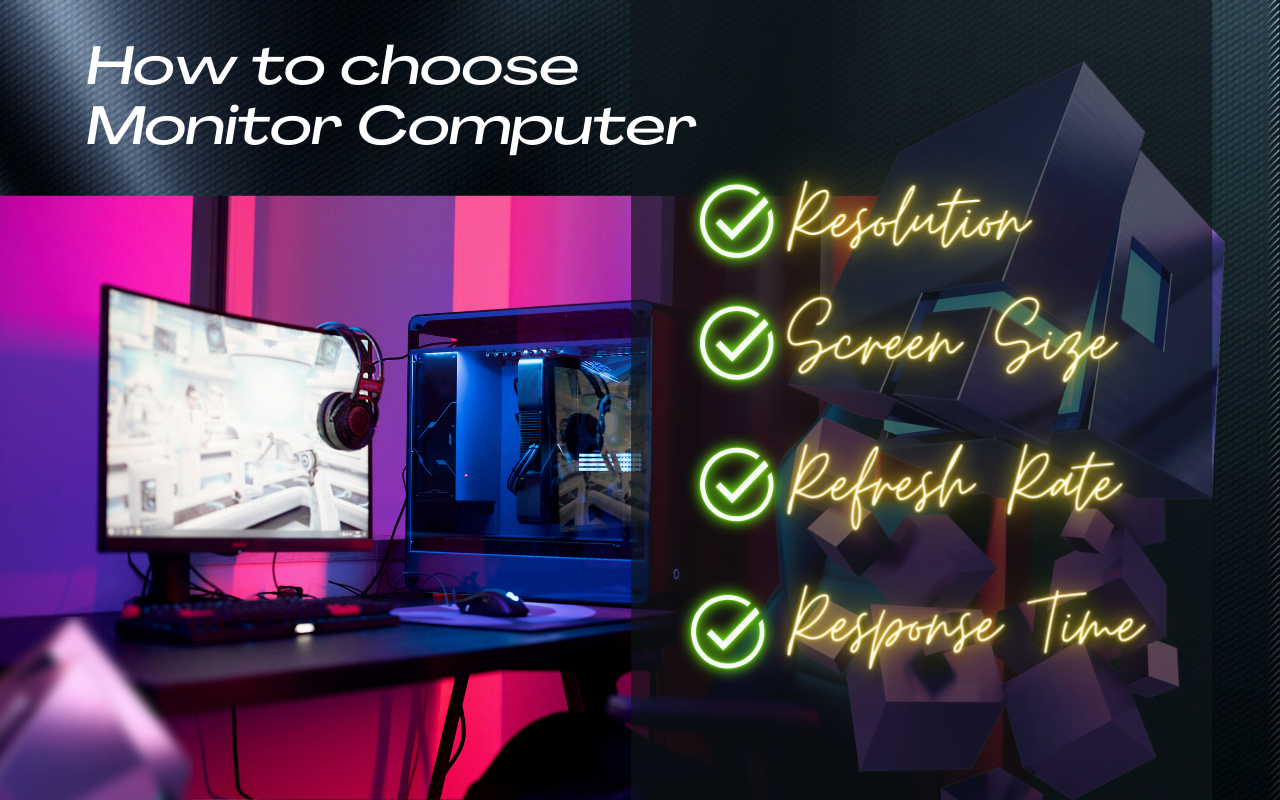
A computer monitor is a device that displays the output of a computer’s graphics card. It can be used for various purposes, such as gaming, professional work, or general use. There are many specifications that describe the features and performance of a monitor, such as resolution, screen size, aspect ratio, panel type, refresh rate, response time, and more. These specifications can help you choose the best monitor for your needs and preferences.
Some of the most important monitor specifications are:
Resolution
This is the number of pixels on the screen, which determines the sharpness and clarity of the image. Higher resolutions offer more details and smoother edges, but they also require more powerful graphics cards and higher bandwidth. Common resolutions include 1080p (1920×1080), 1440p (2560×1440), and 4K (3840×2160).
Screen size
This is the diagonal measurement of the screen in inches. Larger screens offer more immersive and comfortable viewing experiences, but they also take up more space and consume more power. The optimal screen size depends on your viewing distance, desk space, and personal preference. Typical screen sizes range from 22 to 49 inches.
Aspect ratio
This is the ratio of the width to the height of the screen. Different aspect ratios offer different levels of horizontal and vertical field of view, which can affect your gaming or productivity. Common aspect ratios include 16:9 (widescreen), 21:9 (ultrawide), and 32:9 (super ultrawide).
Panel type
This is the technology used to create the image on the screen. Different panel types have different strengths and weaknesses in terms of color accuracy, contrast ratio, viewing angles, response time, and cost. The main panel types are IPS (In-Plane Switching), VA (Vertical Alignment), and TN (Twisted Nematic).
Refresh rate
This is the number of times the screen updates per second, measured in hertz (Hz). Higher refresh rates offer smoother and more responsive motion, which can improve your gaming or video watching experience. However, higher refresh rates also require more powerful graphics cards and higher bandwidth. Common refresh rates include 60Hz, 144Hz, and 240Hz.
Response time
This is the time it takes for a pixel to change from one color to another, measured in milliseconds (ms). Lower response times offer less motion blur and ghosting, which can improve your gaming or video watching experience. However, lower response times can also cause inverse ghosting or overshoot, which can degrade the image quality. Common response times include 1ms, 4ms, and 8ms.
These are some of the basic specifications that you should know when buying a computer monitor.